Product Tour
Dashboard
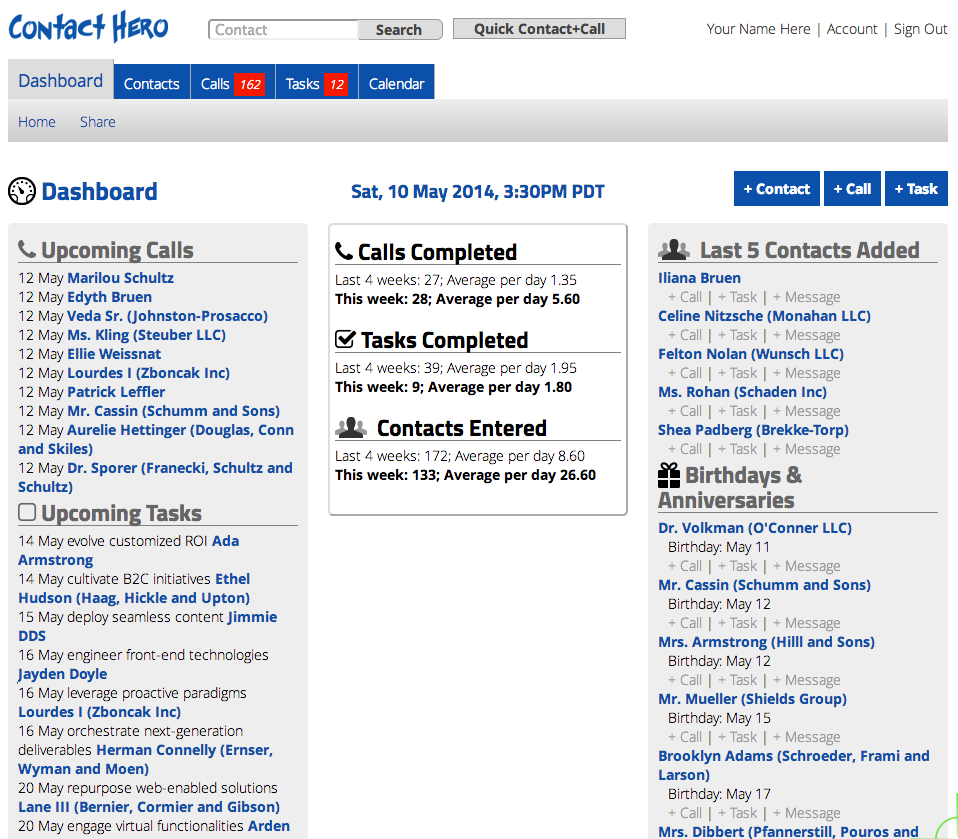
See the big picture at a glance. Review your recent contacts, and upcoming calls and tasks. See graphs of what you have accomplished which you can compare to your personal goals.
Call Management
Stay on top of the important calls you need to make. Keep in communication with personal and professional contacts.
List of Calls
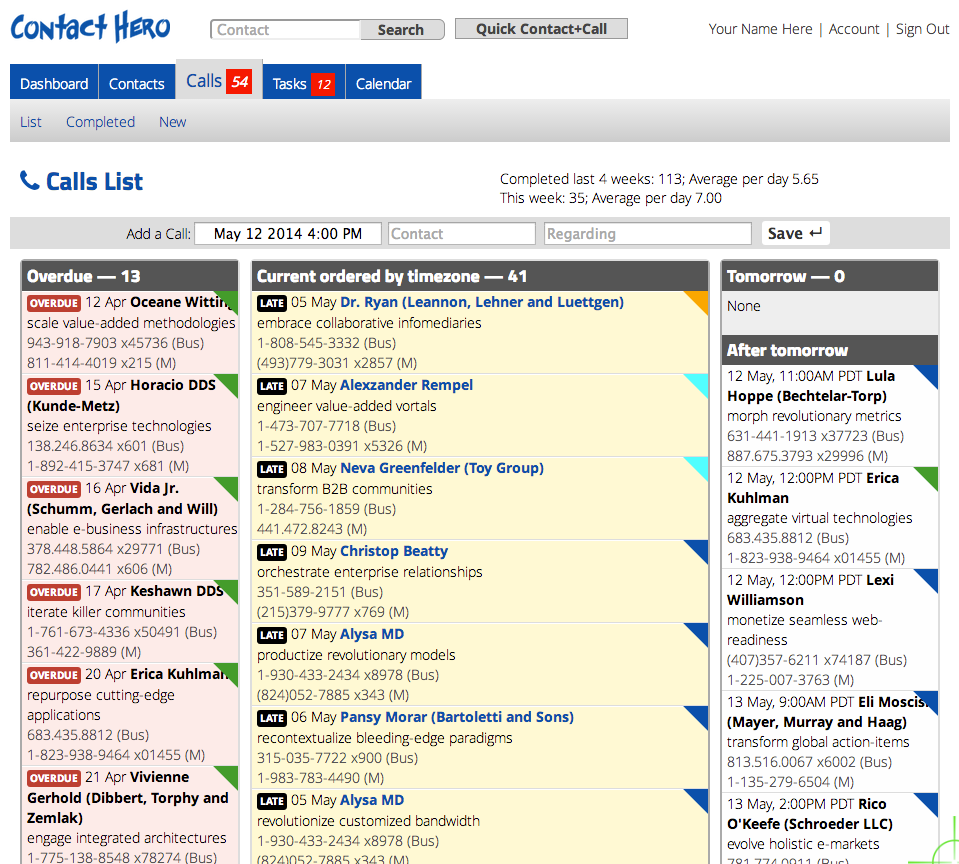
See all details at a glance. Recently overdue, late, current and upcoming broken out into 3 clear columns. You can color code these by contact personality type and priority for easy scanning. Calls are automatically organized by timezone.
List of Tasks
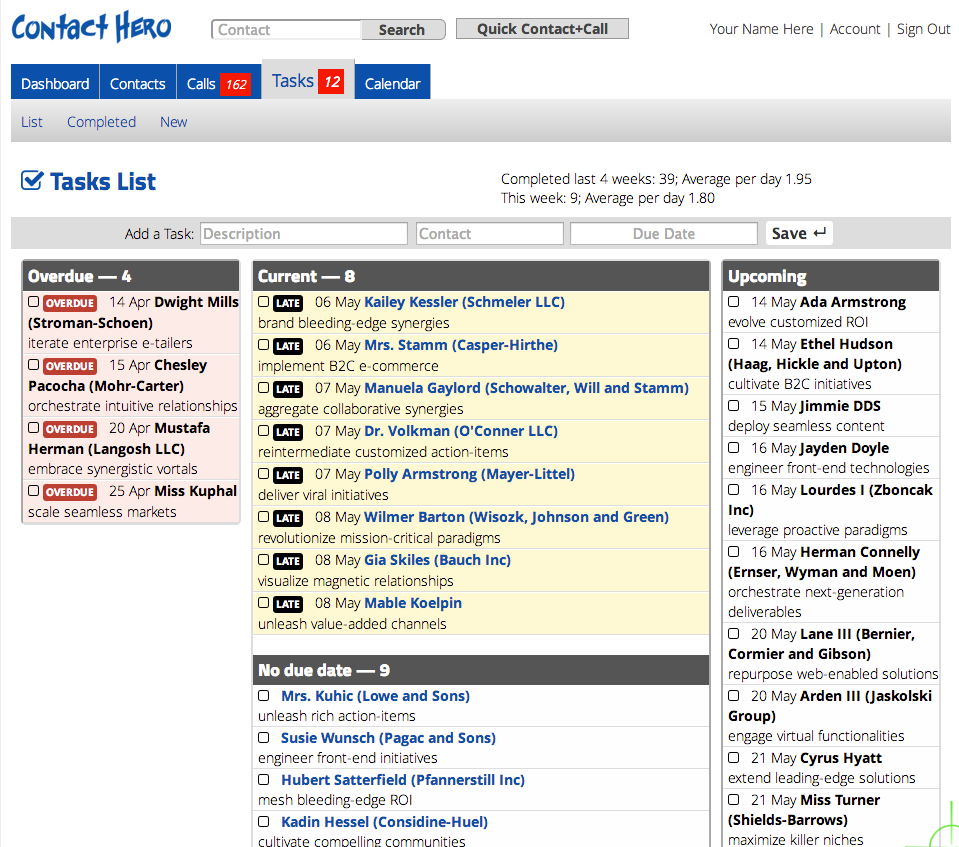
See all details at a glance. Recently completed, current and upcoming broken out into 3 clear columns.
Contact List
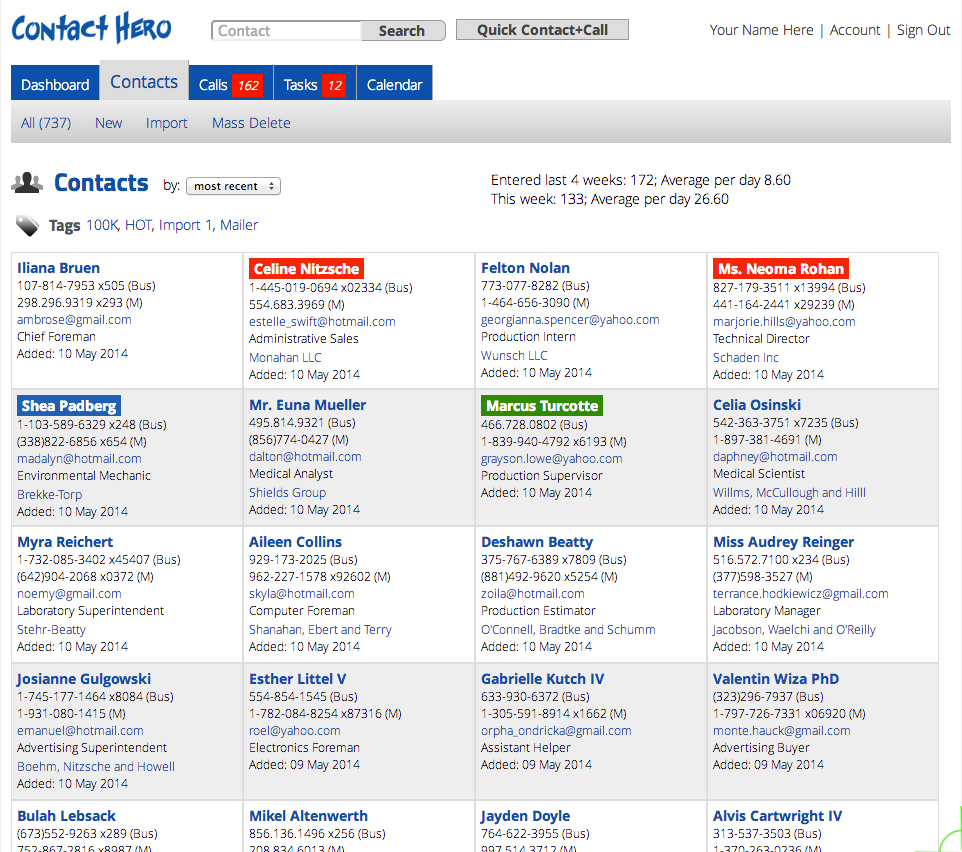
Clean, easy to scan overview of your contacts complete with essential contact information. You can quickly sort this list or jump to particular sections and pages. You can add a new contact quickly from this screen and schedule a call or task for them at the same time.
Now you can color code your contacts with 1 of 4 different personality types. Use the HERO identifiers is to help you to remember the best way to communicate with people.
Contact Details
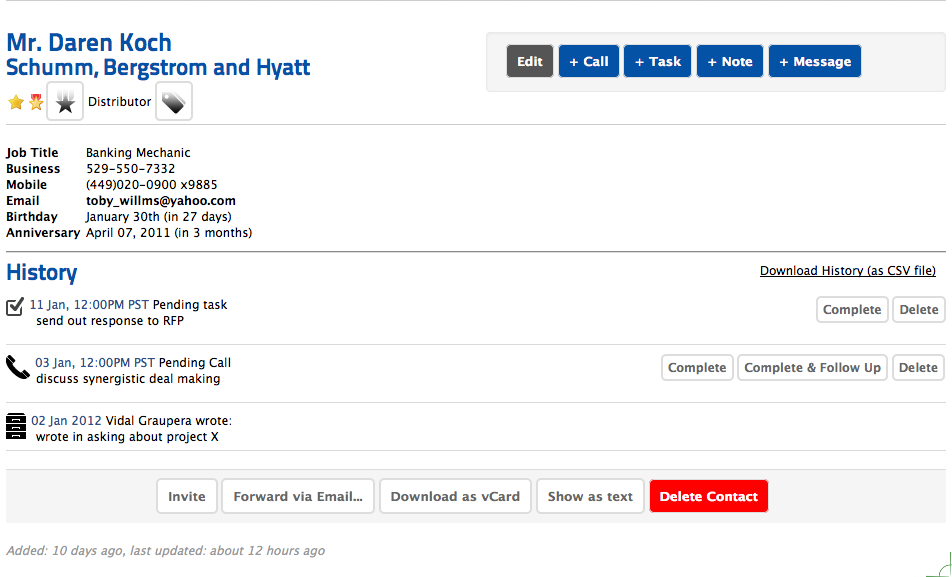
Contact details shows all essential information for each contact including complete contact history which can be downloaded to CSV file.
Icons
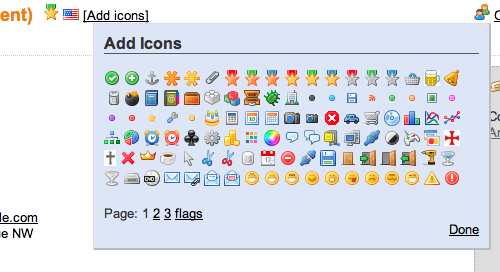
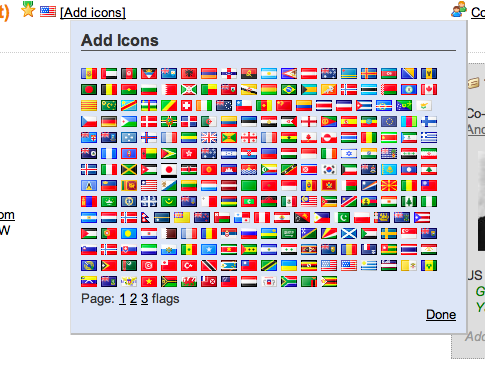
Quickly and easily assign colorful icons to each contact. Over 500 icons and flags are available with more being added.